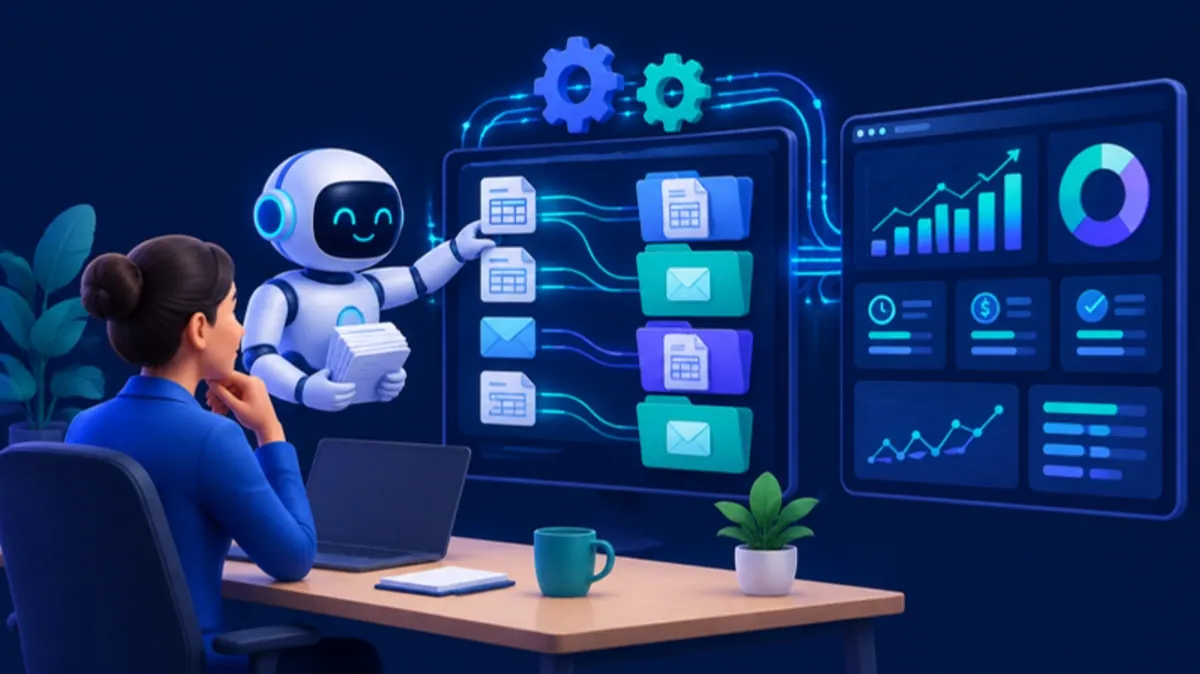
RAG for Business: When It Beats Fine-Tuning
Retrieval augmented generation for business, explained plainly: how RAG works, when it beats fine-tuning, the real risks and a readiness checklist.
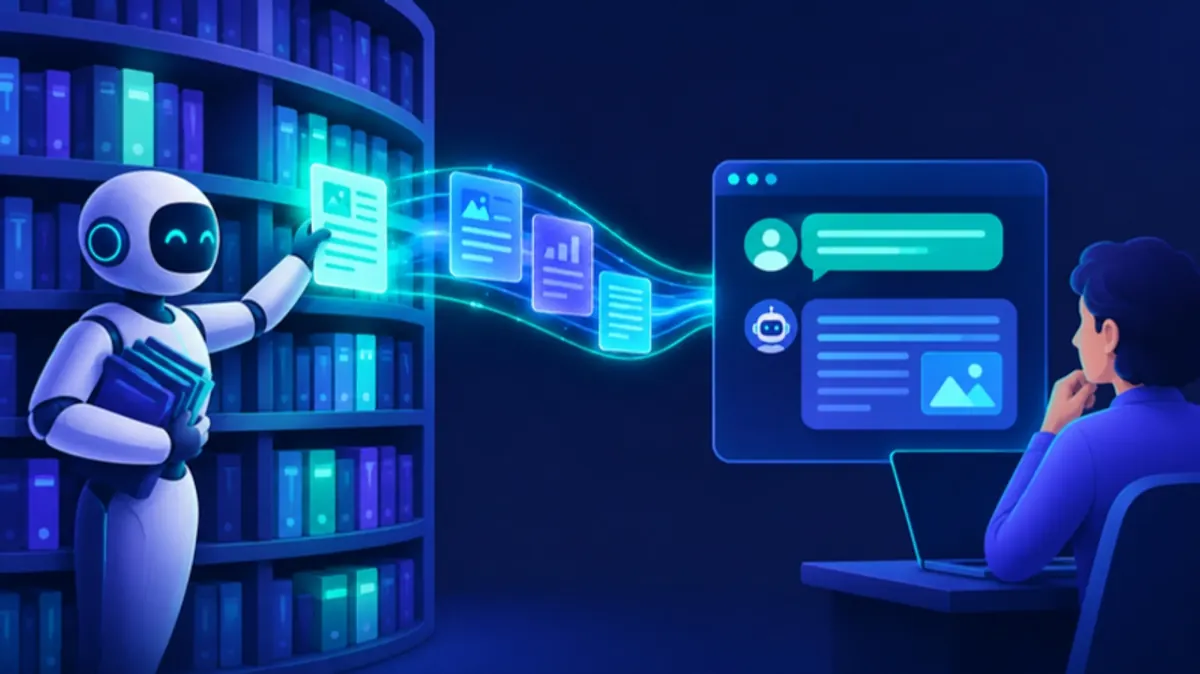
Retrieval augmented generation (RAG) means the AI first looks up the relevant passages in your own documents, and then writes an answer from those passages, with a link to each source. For retrieval augmented generation for business, this is usually the right first choice when the answers live in documents that change: policies, manuals, contracts, product sheets. Fine-tuning changes how a model writes. RAG changes what the model can see at the moment someone asks a question.
RAG does not make wrong answers go away. Most of the work sits in your documents and your permissions. This article explains how RAG works, when it beats fine-tuning, the risks to plan for, and a checklist to see if you are ready.
Retrieval augmented generation for business: how it works
- Collect the documents. Pull them from SharePoint, Google Drive, a wiki, a ticket system or a product database.
- Split and index them. Each document is cut into passages of a few paragraphs. A search index stores them, often with vector search (search by meaning) and keyword search together.
- Retrieve. When a user asks a question, the system finds the passages that match it best, out of the ones this user may see.
- Generate. The system sends the question and those passages to a language model, with the instruction to answer only from the passages and to cite them.
- Show the answer with its sources. The user can click through and check.
The term comes from a 2020 research paper by Lewis and colleagues. They pointed out two open problems with models that store all their knowledge inside the model itself: you cannot easily see where an answer came from, and you cannot easily update what the model knows. RAG answers both for a business. Every answer points to a source, and you update knowledge by updating the index, not by training a new model.
RAG vs fine-tuning: when each one wins
Fine-tuning means you train an existing model further on your own examples. It changes the model’s weights. RAG leaves the model as it is and gives it the right text at question time. The two solve different problems.
| What you need | RAG | Fine-tuning |
|---|---|---|
| Answers from documents that change often | Yes. Re-index the changed documents | Weak. You must train again for each change |
| A source link for every answer | Yes, by design | No. The model cannot show where it learned a fact |
| Different users see different documents | Yes. Filter passages by user at retrieval time | No. One model knows the same things for every user |
| Delete a document, for example after an erasure request | Remove it from the index | Hard. The fact may stay in the weights until you retrain |
| A fixed output format, tone or set of labels | Partly, through instructions | Yes. This is what fine-tuning is good at |
| Start without labeled training data | Yes | No. You need many good examples |
My view: many teams try fine-tuning first, because “teach the model our business” sounds right. For company knowledge, that is usually the wrong order. Start with clear instructions and RAG. Consider fine-tuning later for a narrow, stable task, such as sorting tickets into your own categories, when you have a large set of labeled examples. The two also combine.
The risks, and how to control them
Wrong answers do not go away
RAG reduces made-up answers. It does not remove them. The model can misread a passage, merge two passages that do not belong together, or answer when the search found nothing useful.
Controls that work in practice:
- Tell the model to say “I could not find this” when the passages do not contain the answer, and test that it does.
- Require a source for every claim and show it to the user.
- Build a test set: 30 to 50 real questions, with correct answers written by the people who know the subject. Run it after every change.
- Measure the search step and the answer step separately. When an answer is wrong, first check if the right passage was found. If it was not, fix the documents or the search. If it was, fix the instructions or the model choice.
When a RAG pilot gives poor answers, check the documents and the search before you blame the model.
For answers with real consequences, such as contract terms or anything a customer relies on, keep a person in the loop.
Access control is the hard part
If the index holds HR files and board minutes, and everyone can ask questions, the assistant becomes a way around your permissions. OWASP lists this under vector and embedding weaknesses: when several user groups share one vector database, one group’s data can come back in answers to another group. The mitigation it gives is permission-aware storage with strict separation between groups.
In practice:
- Store the access rights of the source document with every passage.
- Filter passages by the signed-in user’s rights at search time, before anything reaches the model.
- Sync permission changes from the source systems, and decide how fast that must happen.
- Test with accounts from different roles. Ask the questions a curious employee would ask.
Do not rely on an instruction like “do not reveal confidential data”. A document can contain hidden text that steers the model. OWASP calls this indirect prompt injection and notes that RAG and fine-tuning do not fully mitigate it. Treat retrieved text as untrusted input, and limit what the assistant can do beyond answering, such as sending email or changing records.
Data residency and the GDPR
A RAG system has more places where data sits than people expect: the source systems, the index, the embeddings, the model provider, and the logs of questions and answers. Each one can run with a different provider in a different country. Map all of them.
The points below are for your data protection officer or legal adviser. They are not legal advice.
- The GDPR applies to personal data in your documents and in the questions users type. Treat the index and the logs with the same care as the source documents.
- Erasure (Article 17). When you delete personal data at the source, the passage must also leave the index. Build that path before go-live.
- Transfers (Chapter V). If any part runs outside the European Economic Area, a transfer mechanism must cover it. The Commission’s page on EU-US data transfers explains the Data Privacy Framework. The simpler route is an EU region for every component.
- Logs. Set a retention period for questions and answers. They are often the most sensitive data in the system.
- Transparency. If customers use the assistant, Article 50 of the EU AI Act requires that they know they deal with AI. The Commission’s AI Act page says these transparency rules apply from August 2026.
For a structured list of privacy risks in LLM systems, the report on AI privacy risks and mitigations for LLMs is a good reference. An external expert wrote it in April 2025 for the EDPB’s Support Pool of Experts. It is not an official EDPB position.
RAG readiness checklist
Copy this list into your project notes. Each line needs an answer before you ask anyone for a quote.
- One use case and one user group, written in one sentence
- 30 to 50 real questions, with correct answers written by subject experts
- Every source system listed, with one owner per source
- Outdated document versions removed or clearly marked
- Documents readable as text (scans run through OCR, tables checked)
- Access rights known per source and readable through an API
- Decision on where the index, embeddings, model calls and logs run
- Data processing agreement with every provider, and training on your data switched off
- A deletion path from source to index, with a time limit
- A retention period for question and answer logs
- A rule for what the assistant says when it finds nothing
- One person who reviews wrong answers every week
- A pass mark agreed before the pilot starts
- Users told that they use AI, and every answer shows its sources
If you cannot answer the documents and access lines yet, fix those first. Keep the first pilot narrow, with one user group and one set of documents. The same cut-line discipline from how to scope an MVP applies here.
FAQ
What is an example of RAG in a business?
A support team asks “can a business customer return a custom order?” The assistant finds the return policy and the B2B terms, answers in two sentences, and links both documents. Other common uses are an HR policy assistant for staff, search over product manuals for field engineers, and first drafts of answers to security questionnaires from your existing documentation.
Is RAG the same as a chatbot?
No. A chatbot is an interface. RAG is the way it finds the facts for an answer. The same RAG setup can also power a search page, a drafting tool or a field in your CRM.
Do we need a vector database?
Not always. Many teams start with the search they already have and add vector search when keyword search misses too much. Combining both is common, because keyword search is good at exact terms like product codes.
Can RAG answer questions about our spreadsheets or database?
Structured data usually works better through a direct query to the database or API than as text in an index. A good assistant does both: search for documents, query for numbers.
Does RAG train the model on our data?
No. RAG does not change the model’s weights. The provider still receives your passages with each question, so check its terms on data use and retention.
Next step
If you want to know where RAG fits among other AI options, start with where AI integration pays off first for SMEs. When you are ready to build, our AI integration work covers the readiness check, a pilot with a test set and a permission-aware production build. If you already have a proposal from another vendor, an independent review can check the design before you sign. Or book a free 30-minute call and bring the checklist above.